BragJack: Malicious Browser Extensions Hijack AI Assistants, Exposing User Data
A new attack technique, dubbed BragJack, allows a single malicious browser extension to hijack the AI assistants embedded in popular browsers. This vulnerability, demonstrated by security researcher Gal Weizman, enables unauthorized access to sensitive user information and the ability to act on the victim's behalf without explicit user interaction. The findings have prompted fixes from major browser vendors and underscore growing security concerns with increasingly integrated AI functionalities.
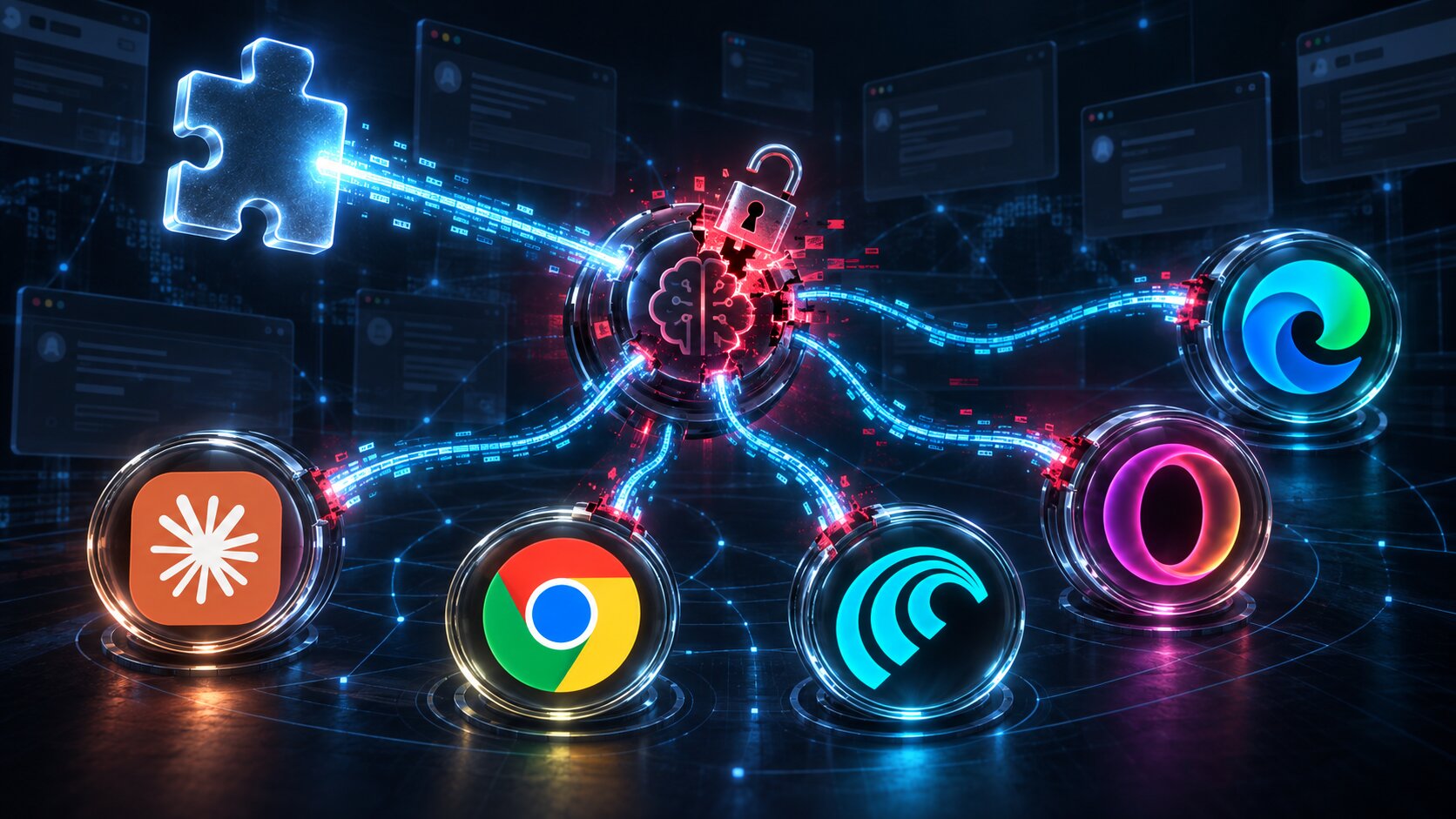

Security researcher **Gal Weizman** of **Forever Security** has unveiled a novel attack technique capable of hijacking the AI assistants built into popular browsers using a single malicious browser extension. The proof-of-concept, dubbed **BragJack**, was successfully demonstrated against five Chromium-based browsers or their integrated AI assistants: **Google Chrome's Gemini Live**, **Perplexity Comet**, **Microsoft Edge**, **Opera Neon**, and **Anthropic's Claude** in Chrome.
The research yielded over $20,000 in bug bounties from the affected vendors and resulted in the assignment of two **CVEs**.
### The Mechanics of BragJack
The **BragJack** attack hinges on the presence of an already installed malicious extension in the victim's browser. Once established, the extension can operate without user interaction, gaining control over the AI browser agent and exploiting its existing privileges. This allows the extension to access sensitive information or execute actions on the victim's behalf.
Both **Google** and **Microsoft** have since addressed the identified flaws.
### Abusing Trusted Browser Components
These attacks exploit the intricate integration of AI assistants within browsers and their elevated, browser-level capabilities. **Weizman** likens these systems to having a "brain" (the AI model processing instructions) and a "body" (a privileged browser component performing actions like accessing tabs, reading content, taking screenshots, or interacting with websites).
The core vulnerability lies in how browser extensions can manipulate web traffic and pages that these privileged components inherently trust. The same extension was used across all five targets, leveraging **Chromium's** `declarativeNetRequest` (**DNR**) functionality, which allows extensions to modify network request handling, including altering response headers and redirecting resources.
In the attack against **Chrome**, **Weizman** discovered that despite extensions being blocked from directly interacting with the privileged `chrome://glic` component or injecting scripts into **Google's Gemini** site, **DNR** rules could still intercept requests made by the embedded **Gemini** web app. By weakening security headers and redirecting a JavaScript resource, he was able to execute code within the **Gemini** context, establishing direct communication with **Chrome's** privileged AI component. This bypass allowed access to local files, web content, screenshots, and potentially the browser's camera and microphone. **Chrome** assigned this finding **CVE-2026-0628** and awarded a $7,000 bounty.
### From Data Reading to AI Agent Control
The attacks against agentic browsers such as **Perplexity Comet** and **Opera Neon** demonstrate even broader capabilities, as their agents are designed to act on websites rather than merely reading them.
For **Comet**, **Weizman** found that the browser's built-in agent extension trusted several **Perplexity** domains, including a testing domain that lacked the same protections as the primary `perplexity.ai` site. By using **DNR** to remove a redirect to this domain, he could load it and inject a content script capable of communicating with the built-in agent. This granted access to browsing history, screenshots, local files, and the ability to send instructions to the agent. **Weizman** successfully demonstrated forcing the agent to visit **Perplexity**, summarize the victim's emails, and send the results to another address.
**Microsoft Edge** presented a unique challenge. **Microsoft** had segregated its agent into "Think" and "Do" modes to prevent it from simultaneously taking arbitrary instructions and actions. However, **Weizman** identified a race condition that briefly disabled this restriction while forcing a prompt, then re-enabled the action capability before the agent could verify its state. **Microsoft** assigned **CVE-2026-55945** to this race condition.
Similar vulnerabilities were demonstrated against **Opera Neon** and **Claude in Chrome**, though the latter operates as a browser extension itself rather than a built-in browser component.
Earlier this year, **Manifold Security** reported a related weakness in **Claude for Chrome**, where the extension executed its built-in AI workflows on synthetic clicks without user verification. This followed **ClaudeBleed**, an earlier flaw disclosed by **LayerX** in April, where **Claude for Chrome** implicitly trusted the `claude.ai` origin without proper script validation.
### 'Prompt Forcing' and Future Implications
**Weizman** terms the technique used to seize these agents "Prompt Forcing." Unlike conventional prompt injection, where an attacker subtly inserts malicious instructions into content an AI is already processing, Prompt Forcing allows the attacker to deliver an entire prompt and subsequent instructions directly to the agent. The agent then translates these instructions into legitimate browser actions using its existing privileges.
This distinction is crucial for endpoint defenses, as the final malicious action is not executed by traditional malicious code but by legitimate software instructed to perform the attack. **BragJack** highlights a growing challenge as browsers and other endpoint applications integrate more capable AI agents. A compromised extension, traditionally limited to web content access, can now, in certain designs, become a conduit to software capable of reading files, browsing data, and performing actions on websites on behalf of the user.
To mitigate these risks, users are advised to keep their browsers fully updated, remove unrecognized or unused extensions, and exercise caution with broad "read and change all your data on all websites" permission prompts.
For a comprehensive technical breakdown of all five attacks, **Weizman** has published a full technical analysis on the **Forever Security** blog.