When Personal ChatGPT Meets Corporate Data: A Cybersecurity Conundrum
The increasing integration of AI tools like ChatGPT into daily workflows presents new challenges for organizational security. This article explores a common scenario: an employee using a personal ChatGPT account on a managed device, potentially exposing sensitive corporate data, and outlines steps for incident response and proactive prevention.
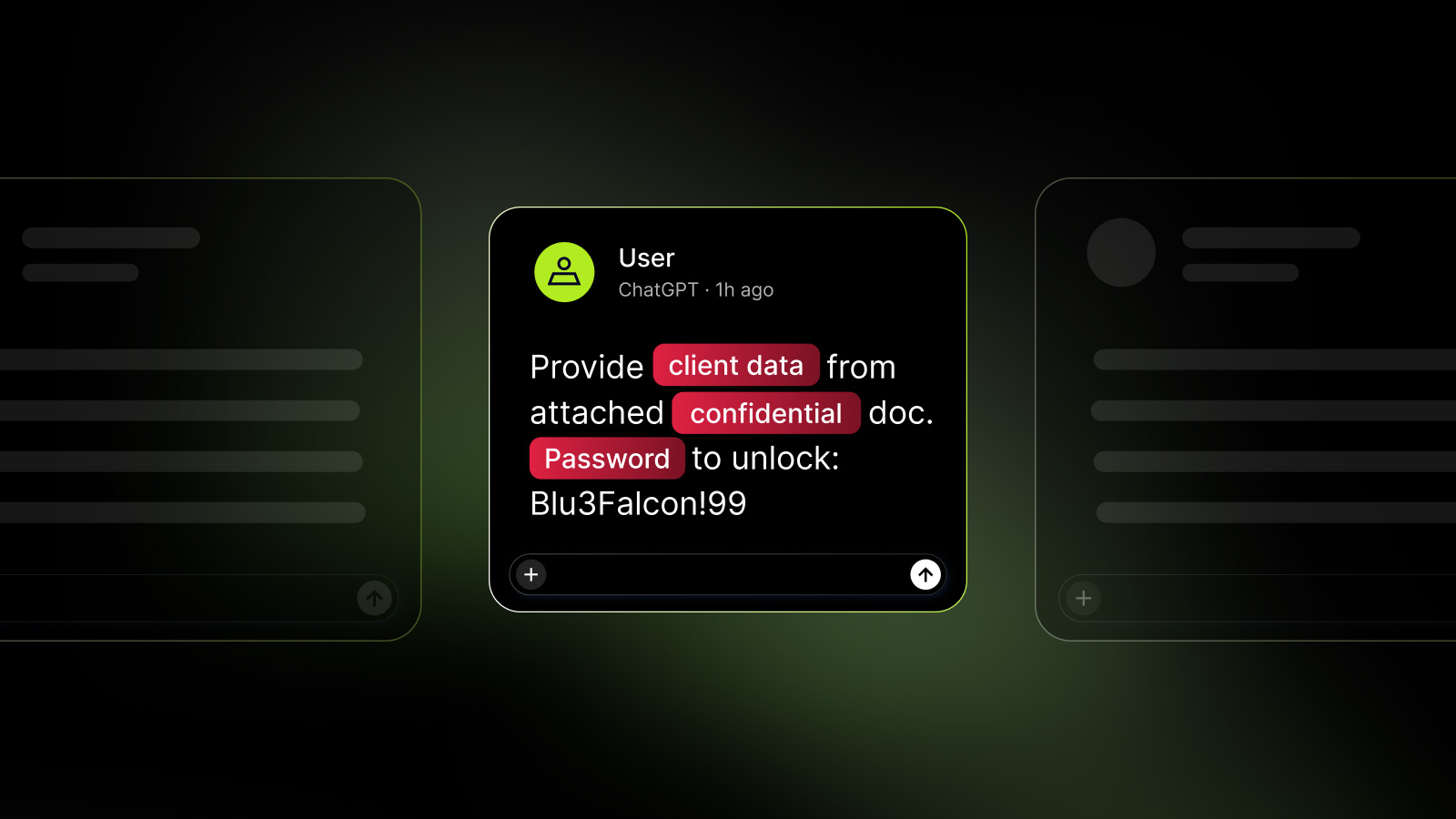

It's Monday morning, and your security tools flag a concerning event: an employee is using a personal **ChatGPT** account on a managed laptop, despite your organization providing a **ChatGPT Enterprise** subscription. The immediate question arises: what information might have been submitted?
This hypothetical scenario could involve anything from a public job description to a customer support ticket containing sensitive contact and internal account details. For some organizations, it might even involve classified government documents, as was the case with an acting director of **CISA** in 2025.
We'll explore two versions of this event: one where existing security tools identify personal account use but lack prompt-level visibility, and another where **NordLayer AI Scout** is deployed with custom data loss prevention (DLP) rules.
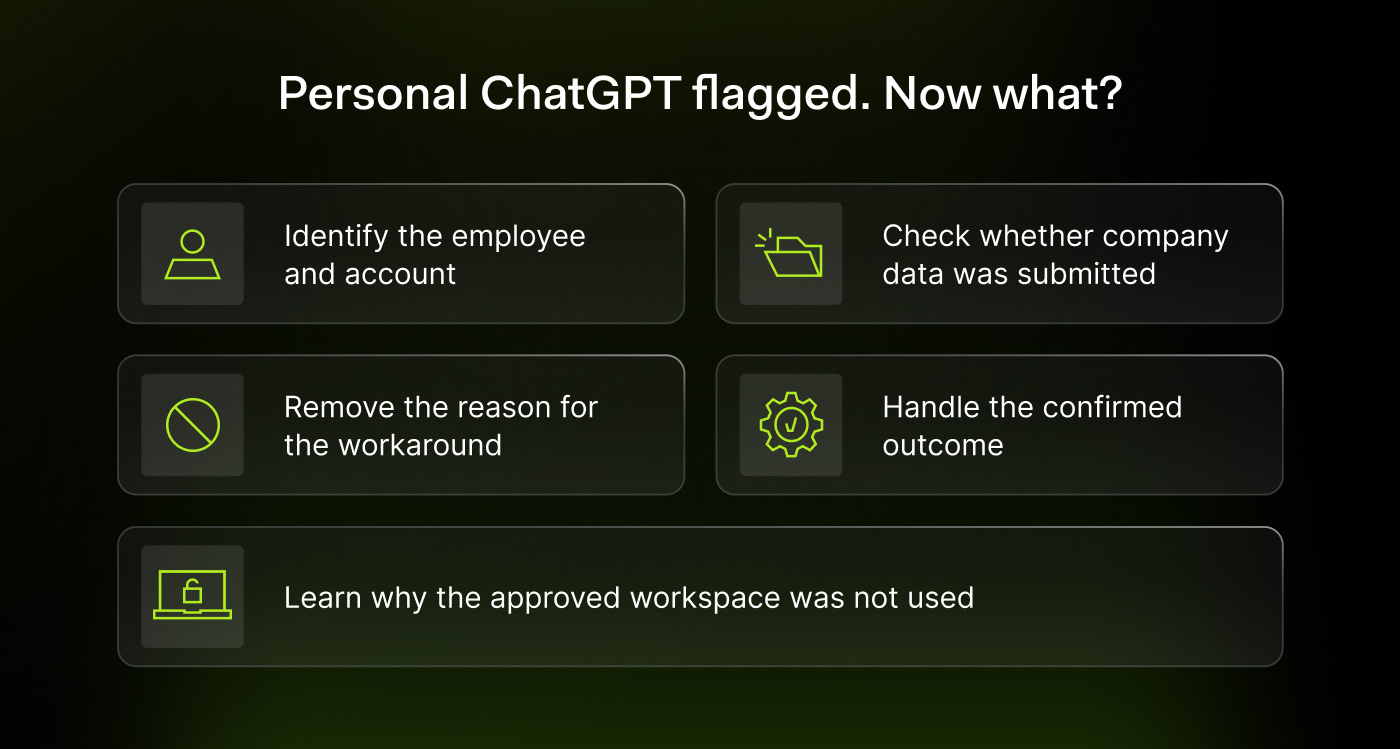
## 1. Confirm the Account and Employee Identity
The initial step involves basic incident response: identifying the user and the specific accounts involved. Your security tools might show a corporate email for the device login, but the **ChatGPT** activity could be linked to a personal **Gmail** account.
This creates a situation with one person, two identities, and a potentially awkward conversation. With **NordLayer AI Scout**, the signed-in **ChatGPT** account is clearly displayed alongside the conversation, classifying it as 'Personal' or 'Corporate'. Activity is tied to the employee via their work email, integrated with directory services like **Entra ID**, **Okta**, or **HiBob**, providing departmental and role information.
## 2. Establish What Reached ChatGPT
In the first scenario, without prompt-level monitoring, your security event logs will only indicate personal account usage, not the content of the submission. To investigate, you'd need to request the employee to show you the conversation, ideally limiting the scope to the relevant work exchange.
If sensitive data, such as a customer ticket, is found in the prompt and discussed in **ChatGPT**'s reply, you now have clear evidence of data exposure.
With **NordLayer AI Scout**, the process is different. A blocked finding would show that the browser extension intercepted the prompt on the device before submission. A pre-configured detector would have matched the sensitive customer data, and the 'Block' action would have prevented the prompt from reaching **ChatGPT**. The employee would have received an on-page notification, eliminating the need for security personnel to manually review the prompt content.
## 3. Understand Why Corporate Access Was Unused
Often, the reason for using a personal account is mundane: an expired corporate session, cumbersome two-factor authentication (2FA), or the urgency of a customer issue, leading to the use of an already-signed-in personal **ChatGPT** tab.
In our scenario, the employee might explain they pasted a customer support exchange and asked **ChatGPT** to draft a response. Without prompt-blocking rules, this data reaches **ChatGPT**. The next step is to determine if this was an isolated incident.
Without **NordLayer AI Scout**, you rely on the employee's memory: have they previously pasted entire tickets, uploaded attachments, or used personal **ChatGPT** as a fallback? It's also crucial to clarify their understanding of company policy regarding **ChatGPT** and data handling.
## 4. Respond to the Confirmed Outcome
If sensitive customer data reached a personal **ChatGPT** account without dedicated prompt-level controls, evidence must be preserved, and incident response, privacy, or data ownership teams must be engaged. The severity of the incident dictates the next steps: credential revocation for exposed credentials, a privacy assessment for customer records, or a policy reminder for non-sensitive public text.
It's important to accurately document the incident: company data entered a service outside approved channels. While serious, this doesn't automatically mean the data was used for model training, became public, or reached other users.
If **NordLayer AI Scout** is in place, you simply record that the configured rule blocked the submission. The event logs an attempted policy violation and the control that prevented it. Any prior personal account usage mentioned by the employee would be assessed separately.
## 5. Fix the Workflow and Close the Ticket
Beyond addressing the immediate incident, it's vital to fix the underlying workflow. This might involve assisting the employee with 2FA, ensuring they can access their **Enterprise** workspace, and verifying that the task and data are permitted within corporate guidelines.
In the first scenario, this involves reviewing restrictions on personal instances and applicable **DLP** rules.
With **NordLayer AI Scout**, you confirm the prompt policy on the browser extension. Actions like 'Warn,' 'Redact,' and 'Block' offer different levels of control:
* **Warn:** Pauses submission, allowing the employee to choose to send or edit.
* **Redact:** Removes matched sensitive values and sends the remainder.
* **Block:** Stops the prompt entirely.
You can select the appropriate action for each data category. Finally, document the incident, including the account, device, confirmed contents, whether the prompt was sent, and who owns the response. Record the access fix and schedule a check for repeat events.
In one scenario, customer data was exposed, requiring an assessment. In the other, a configured detector prevented the exposure. In both, ensuring employees have seamless access to corporate tools on a Monday morning is paramount to prevent workarounds that could compromise security.