Threat Actors Weaponize Faronics Deploy for Stealthy ScreenConnect Installations
Cybersecurity researchers have uncovered a new campaign where threat actors are abusing the legitimate **Faronics Deploy** endpoint management platform. This sophisticated tactic allows attackers to gain remote administrative control over victim systems and subsequently install **ConnectWise ScreenConnect**, establishing persistent access.

Phishing campaigns are leveraging the trusted **Faronics Deploy** platform to infiltrate target networks, a new report from **Huntress** reveals. Observed between July 21 and August 20, these campaigns targeted over 457 endpoints with lures disguised as invoices, tax documents, and other critical business files.
**Faronics Deploy** is a cloud-based endpoint management solution designed for IT administrators to remotely manage computers, deploy software, and execute scripts. Threat actors are exploiting this legitimate functionality for malicious ends.
### The Malicious Workflow
According to **Huntress**, the attack chain begins with phishing emails containing malicious links. These links direct potential victims to a website that profiles targets, activating decoy routines for analysis environments to evade detection.
If the environment is deemed legitimate, users are prompted to download and launch a signed **Faronics Deploy** installer. This installer is cleverly disguised as an Adobe document, a reader application, or a plugin update, often named 'Adobe.exe'.
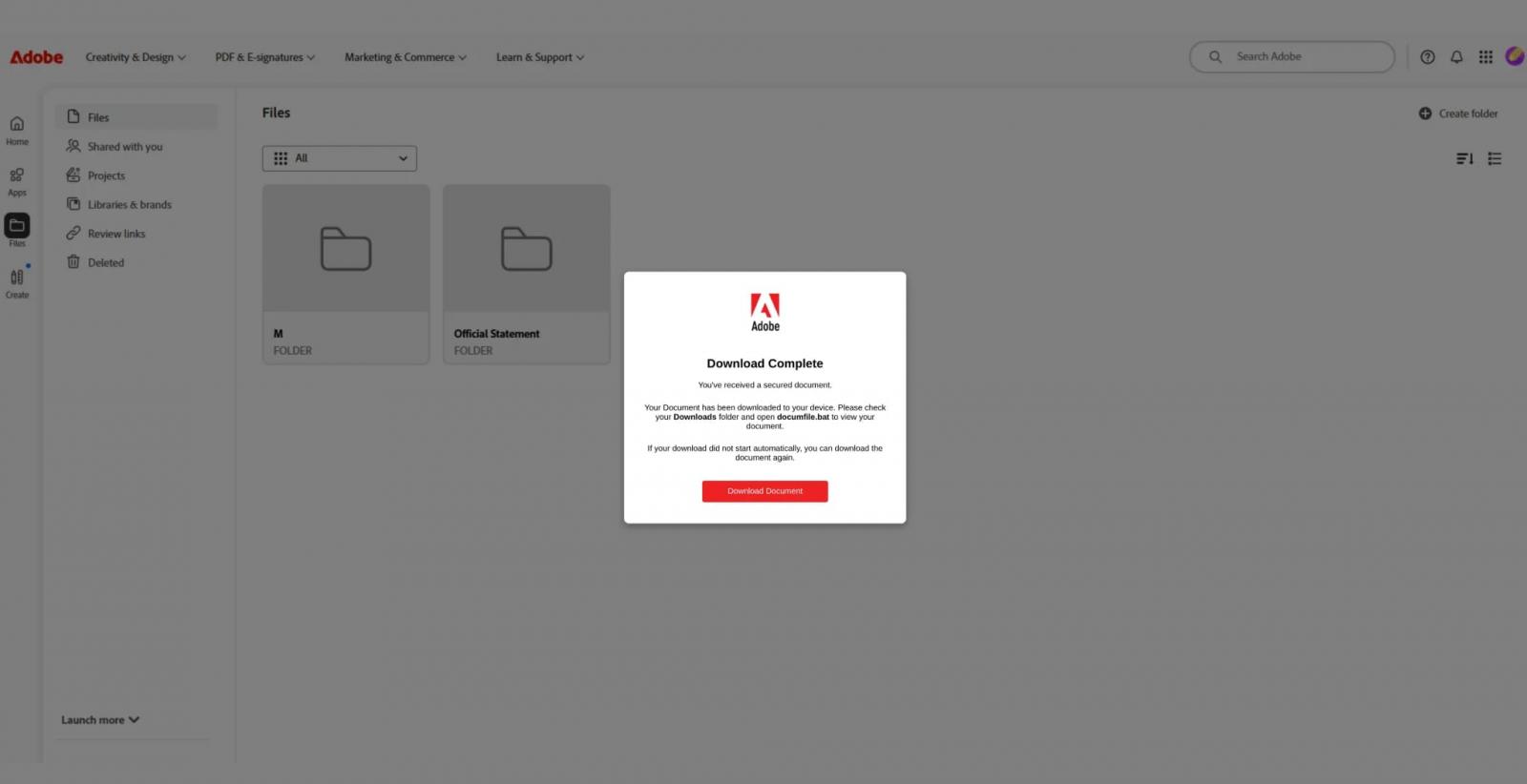
Upon execution, the victim's computer is stealthily enrolled into a **Faronics** deployment controlled by the attackers. This grants the threat actors the ability to remotely execute PowerShell scripts on the compromised machine without further user interaction.
### Establishing Persistent Remote Access
These PowerShell scripts are used to download additional tools from attacker-controlled infrastructure or external sources like GitHub. The ultimate goal is the installation of **ConnectWise ScreenConnect**, another legitimate remote access tool.
**Huntress** noted, "The delivery method varies between scripts, with observed examples using curl or mshta to retrieve additional content, while others invoke msiexec to install payloads hosted on attacker-controlled infrastructure." They added, "These scripts are subsequently used to install **ScreenConnect**, establishing an additional remote access mechanism on the compromised endpoint."
**ScreenConnect** provides attackers with an independent and redundant remote access channel, offering hands-on control that is more interactive and resilient against detection or removal of the malicious **Faronics** agent.
### Vendor Response and Mitigation
**Huntress** informed **Faronics** of their findings on August 5. The vendor confirmed the malicious activity and responded swiftly by implementing additional anti-abuse measures. **Faronics** also proactively contacted affected organizations to notify them of potential compromise.
The impact of these actions was significant, with a noticeable drop in malicious activity starting August 21, indicating the effectiveness of **Faronics'** countermeasures.
### Recommendations for Defenders
**Huntress** advises administrators to take the following steps to identify and mitigate potential compromise:
* **Inspect Logs:** Check the `C:\ProgramData\Faronics\Logs\` directory for `ScriptRunner.log` files. These logs may contain names of remotely executed scripts and download URLs, providing crucial forensic data.
* **Monitor Faronics Configuration Requests:** Look for the `ck` parameter in **Faronics** configuration requests. This parameter identifies the associated customer deployment and can help pinpoint compromised endpoints or malicious accounts.
* **Audit ScreenConnect Installations:** Be vigilant for **ScreenConnect** installations in environments where it is not typically deployed or authorized.