Bridging the Divide: Connecting Your Social Media Across Platforms
Tired of social media silos? Learn how to seamlessly connect your **Mastodon**, **Bluesky**, and **Threads** accounts using bridging tools, enabling cross-platform communication and expanding your reach. This guide explores how to leverage services like **Bridgy Fed** to break down walled gardens and embrace a more open social web.

One of the core tenets of open social media is interoperability – the ability for users to connect and communicate regardless of the platform they choose. Imagine a radio broadcast: your message should reach anyone, anywhere, on any device. Ideally, a **Bluesky** user should be able to follow someone on **Mastodon** or **Threads** without needing separate accounts. However, the reality is often more complex, requiring some technical finesse.
Currently, cross-platform social media communication is often fragmented, sometimes intentionally so. The original vision of the internet, built on open protocols like HTML and RSS, facilitated easy access to websites and blogs. The closed nature of modern social media reflects a deliberate shift towards privatizing the internet.
Bridging, and managing your posts to be viewable outside a single source, aligns with the <a href="https://indieweb.org/POSSE">philosophy of POSSE</a> (Post Own Site Syndicate Elsewhere or Post Own Site, Share Everywhere). Instead of juggling multiple accounts, you post once to your primary site (a personal website or a chosen social media account) and automatically syndicate it across other platforms. This ensures your audience isn't confined by account registration requirements.
### Why Embrace the Open Social Web?
Due to the differing protocols used by the Fediverse and AT Protocol, third-party tools are essential for cross-platform communication. A bridge acts as a connector, allowing you to post once and disseminate your message across multiple platforms. This concept isn't niche; major blogging platforms like **WordPress** and **Ghost** already integrate Fediverse posting.
Bridging is a key aspect of POSSE and offers benefits even for those without personal websites. For example, if you want to interact with a friend on **Threads** without creating an account, bridging provides a solution. Several bridging services exist, including <a href="https://github.com/msonnb/fedisky">Fedisky</a>, <a href="https://rss-parrot.net/">RSS Parrot</a>, and <a href="https://fietkau.software/pinhole">pinhole</a>. However, <a href="https://fed.brid.gy/">**Bridgy Fed**</a> is currently the easiest to use, so we will focus on that.
### How to Post to Bluesky from Mastodon
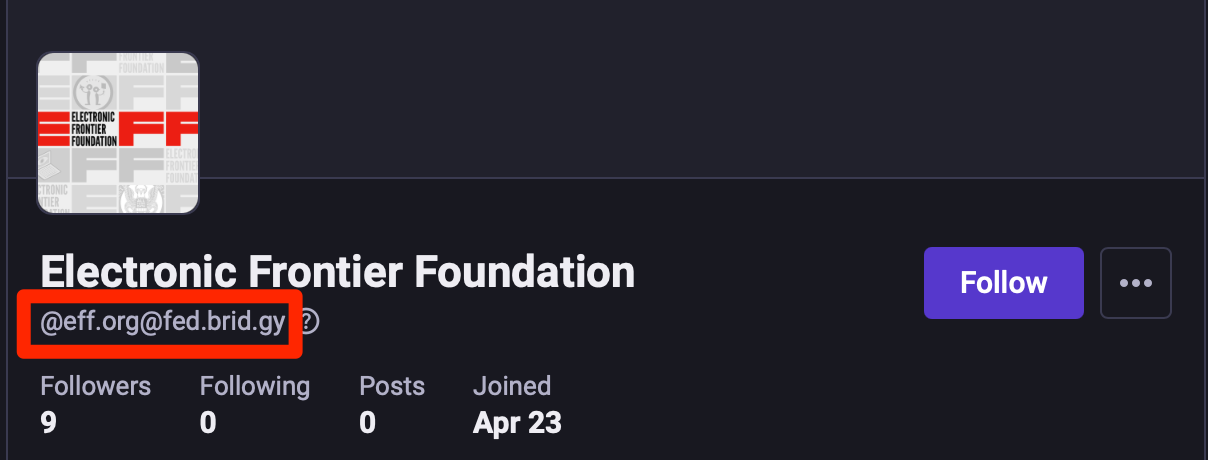
From your **Mastodon** account (or any Fediverse account), search for the username `@[email protected]` and follow it. The account will follow you back, establishing the bridge and allowing people to find you from their **Bluesky** account. You should also receive a direct message (DM) with your bridged username. If you can't find the `@[email protected]` user, your **Mastodon** instance might be blocking the bridging tool.
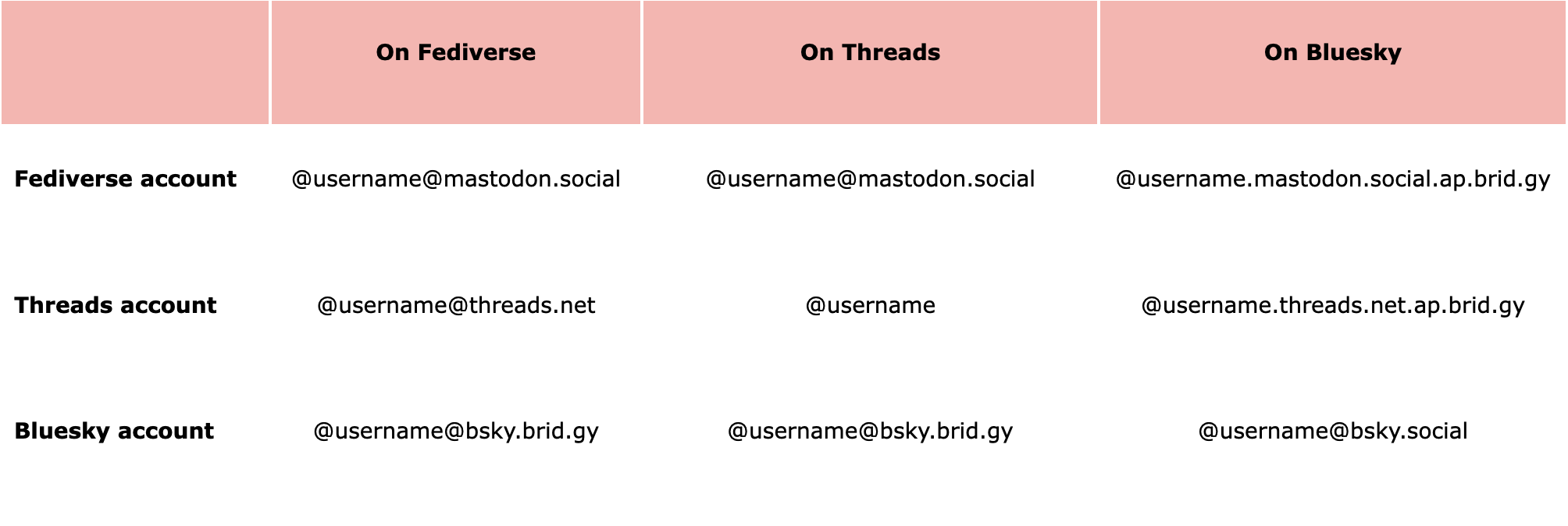
**Threads** users who have enabled Fediverse sharing can find you using your standard **Mastodon** username (e.g., `@[email protected]`). If they haven't enabled sharing, they won't be able to see your account. While the search feature is still in beta, sharing the full URL (e.g., `https://www.threads.net/fediverse_profile/@[email protected]`) might be easier.
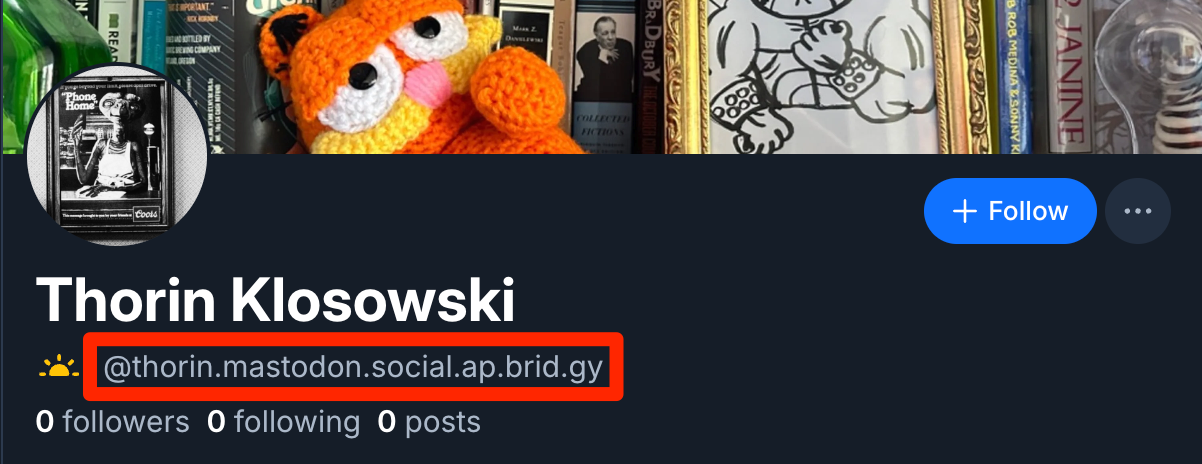
**Bluesky** users can find you by searching for your **Mastodon** username or, if that fails, using `@your_user_name.instance.ap.brid.gy`. For example, if your username is `@[email protected]`, it would appear as `@eff.mastodon.social.ap.brid.gy`.
### How to Post to Mastodon and Bluesky from Threads
**Threads** is technically part of the Fediverse, allowing you to bridge your account to **Mastodon** or **Bluesky** (except in Europe, where the feature is disabled). The process differs slightly from **Bluesky** and **Mastodon**.
* Go to *Settings* > *Account* > *Fediverse Sharing* and turn the option to “On.” This makes your posts visible to **Mastodon** (or other Fediverse) users, and vice versa.
* After enabling Fediverse sharing, you might need to wait a week before bridging to **Bluesky**. Search for and follow the `@[email protected]` account (it might require some searching; if it doesn't work, try visiting the <a href="https://threads.com/fediverse_profile/[email protected]">profile page directly</a>).
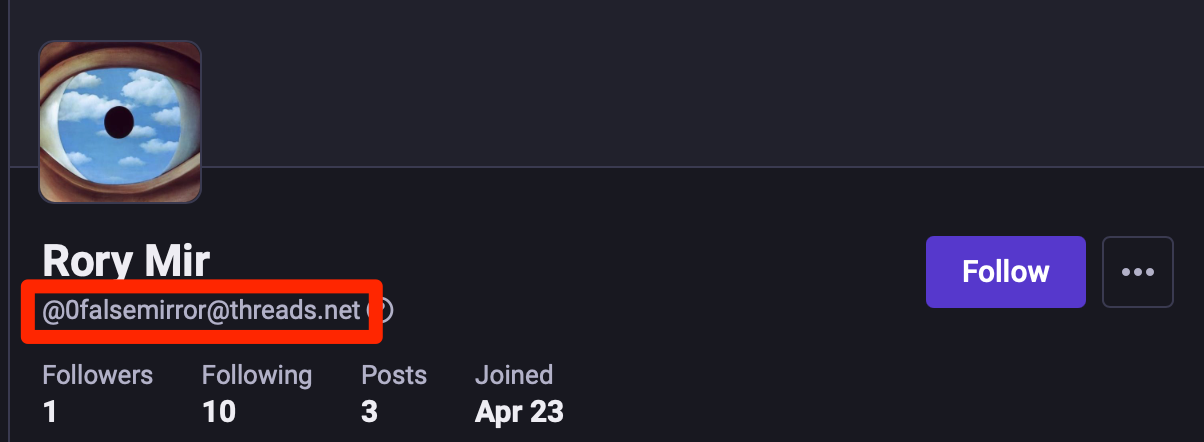
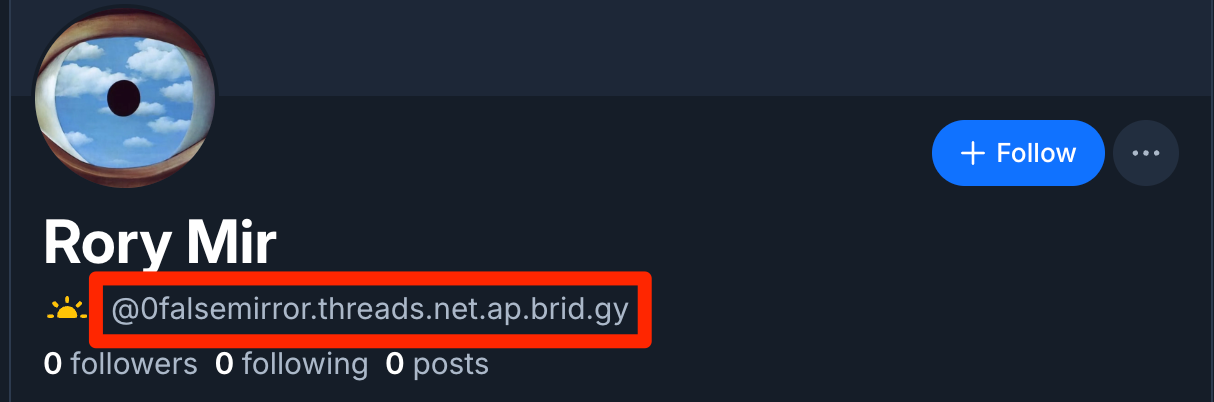
**Mastodon** (and other Fediverse accounts) and **Bluesky** users can find you as follows: **Mastodon** users can find you at `@[email protected]`, while **Bluesky** users can find you at `@your_threads_username.threads.net.ap.brid.gy`. Note that some **Mastodon** instances may block **Threads** users entirely.
### How to Post to Mastodon and Threads from Bluesky
From your **Bluesky** (or other ATProto) account, search for the username `@ap.brid.gy` and follow it. The account will follow you back, bridging your account and allowing people to follow you from **Mastodon** or other Fediverse accounts. You will also receive a DM with your bridged username.
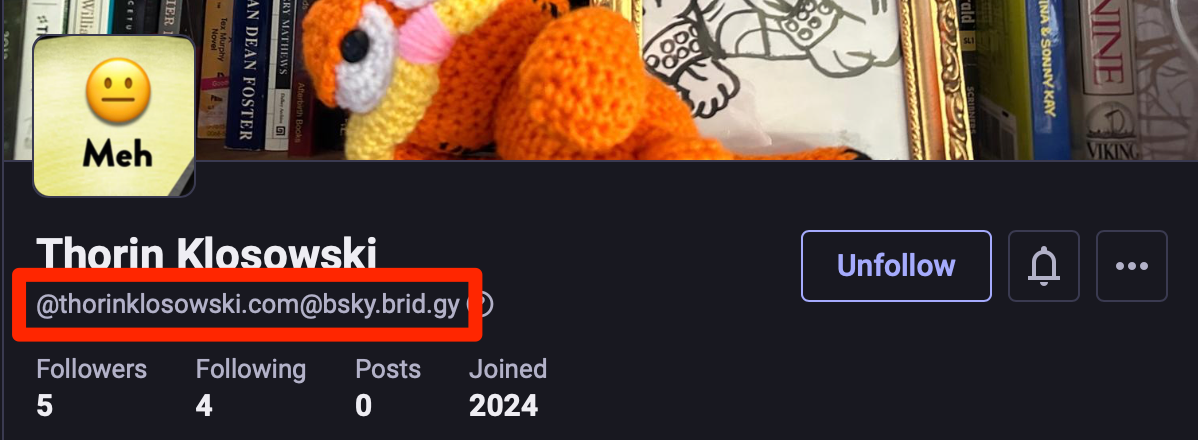
**Mastodon** (and other Fediverse accounts) and **Threads** users can find you as `@[email protected]`. For example, if your **Bluesky** username is `@[email protected]`, it will appear as `@[email protected]`.
### How to Post Everywhere from Your Own Website
You can bridge more than just social media accounts. If you have your own website, you can bridge that too (as long as it supports <a href="https://microformats.org/wiki/microformats2">microformats</a> and <a href="https://webmention.net/">webmention</a>, or an Atom or RSS feed). When you do, the bridged account will post the full text (or image) of your website content, or a link to that content, depending on <a href="https://fed.brid.gy/docs#web-which-parts">your website's setup</a>. You will also want to log into your <a href="https://fed.brid.gy/user-page">**Bridgy** user page</a> to manage the account.
**Where people can find your bridged account**: Usually, a user can search for your website's URL on their decentralized social network or enter it on the <a href="https://fed.brid.gy/web-site">**Bridgy Fed** page</a>. If that doesn't work, they can try `@[email protected]` from **Mastodon** or `@yourdomain.com.web.brid.gy` from **Bluesky**.
### How Your Account Username Looks on Each Platform
### You’re Bound to Run Into Some Quirks
* Sometimes messages take a little while to crossover between networks, and sometimes they don't crossover at all.
* You can’t log into a bridged account like a regular account, but **Bridgy Fed** <a href="https://fed.brid.gy/login">does provide some tools</a> to see incoming notifications and manually resend posts.
* You can only bridge one account per platform (ie, one **Mastodon** account, one **Bluesky** account, etc).